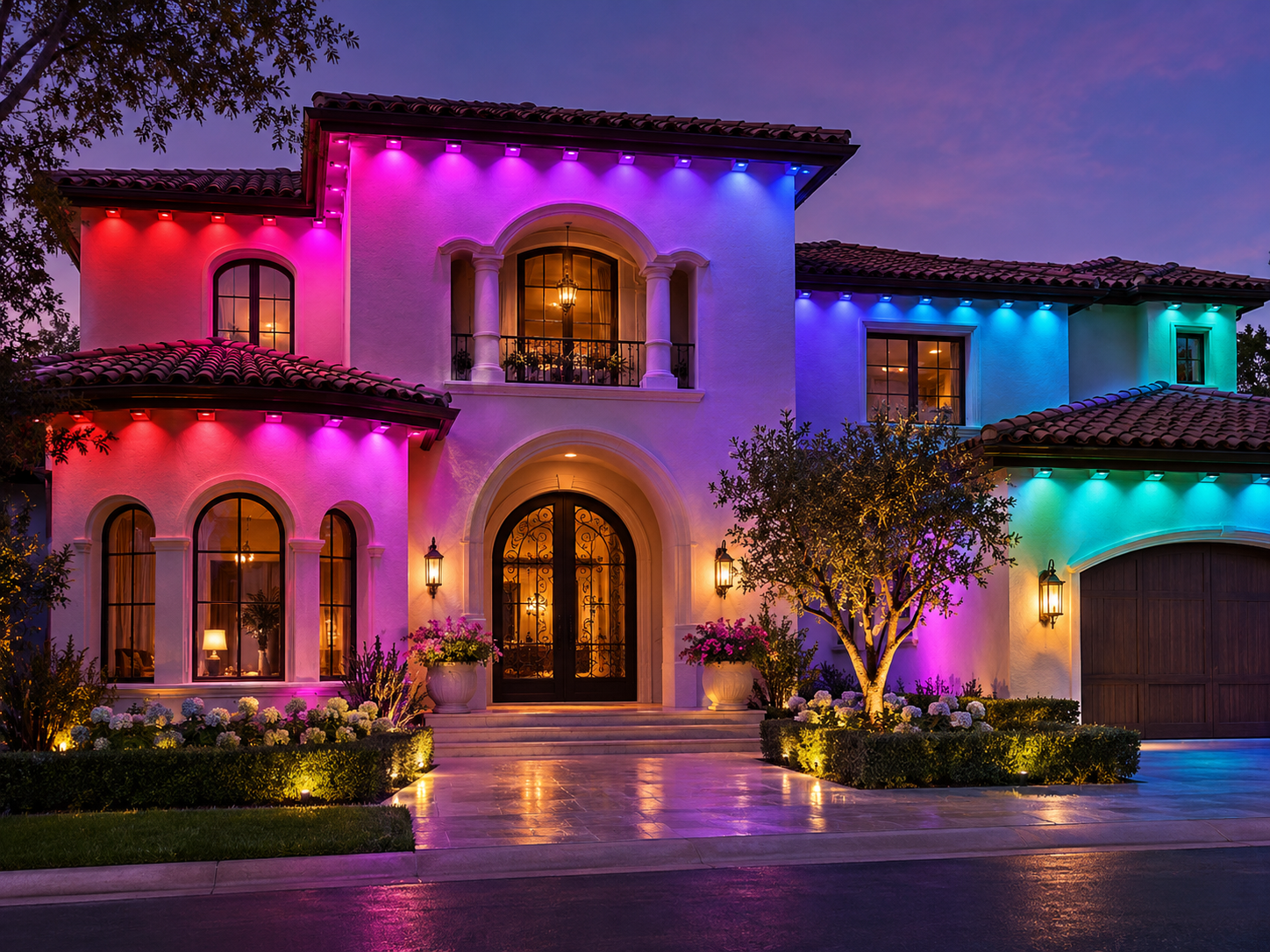
Govee Outdoor Lights 2 Pro Installation
Professional installation of Govee Permanent Outdoor Lights 2 Pro, with dual-layer lighting plans, H3A51 or H3A53 kit checks, secure mounting, split-run connections, app setup, and final testing.
- Roofline planning
- Secure, clean mounting
- App & scene setup
Two Layers of Color, More Ways to Shine
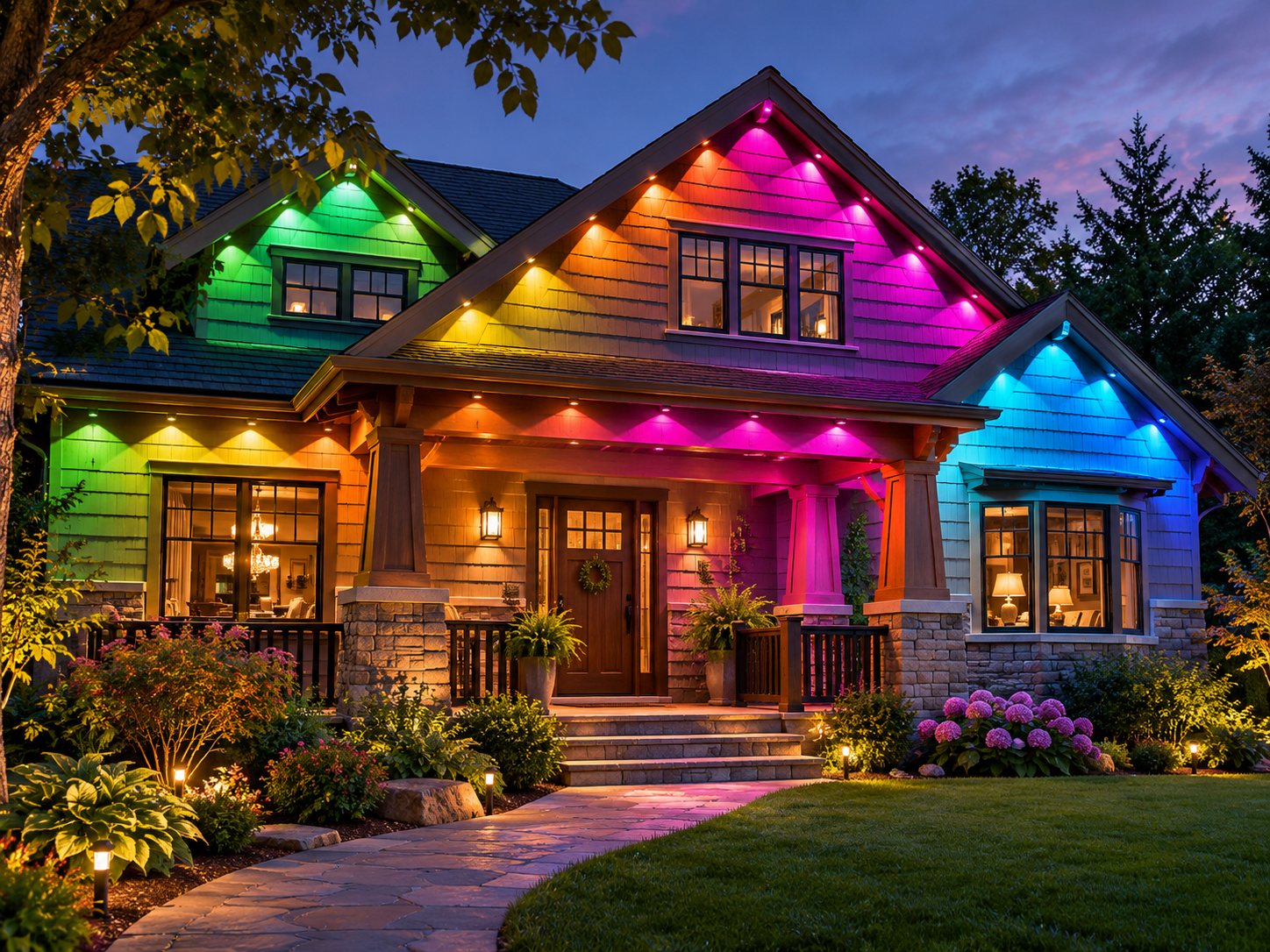
Give your home a distinctive look for holidays, celebrations, and everyday evenings. We help you explore creative lighting combinations that make the most of the 2 Pro’s dual-layer technology, shaping upper and lower color effects to complement the home rather than compete with its architecture.
From understated architectural accents to vibrant seasonal displays, we help configure personalized gradients, LuminBlend+ effects, Music Sync, and compatible smart-home controls. The result is a flexible lighting experience you can refresh for different occasions without changing the installed system.
Everything Your Lighting Installation Needs
One team handles your 2 Pro installation, from roofline measurements and split-run planning to the final system check and app walkthrough.
Roofline Planning & Measuring
We measure the eaves, plan the split runs, and map Y connector locations before installation.
Secure Fixture Mounting
We align each dual-layer light head to create the intended upper and lower color effects.
Power & Connections
We plan approved cuts, extensions, and reconnections after confirming the H3A51 or H3A53 kit.
Clean Cable Management
We route cables neatly and place Y connectors for clean transitions between roofline sections.
App Setup & Scenes
We pair the system with Govee Home and review LuminBlend+, AI Lighting Bot 2.0, and scenes.
Final Test & Walkthrough
We test both lighting layers and demonstrate app scenes, Music Sync, and compatible controls.
You Choose the Glow. We Handle the Groundwork.
The 2 Pro system creates two separately controlled color layers from each light head. We plan upper and lower effects to suit your roofline and viewing angles.
We verify the H3A51 or H3A53 kit, map cuts and split runs, and check Y connector placement. After mounting, we test both layers, pair the app, and review LuminBlend+, AI Lighting Bot 2.0, scenes, and controls.
- Dual Layer Color Planning
- H3A51 H3A53 Kit Checks
- AI Scene Setup Guidance
See Your Outdoor Lighting Design Before You Book
Upload one photo and our free mockup tool shows your roofline lit up at night before you book.
Frequently Asked Questions
Planning Govee Permanent Outdoor Lights 2 Pro? Find practical answers about dual-layer effects, model selection, installation, pricing, and what to expect when you book.
Still have questions?
Send us a few photos of your home and we’ll walk you through your Outdoor Lights 2 Pro layout and quote.
How is Govee 2 Pro installation priced?
Send us a few photos of your home and we’ll walk you through your lighting layout and quote.
Can Govee 2 Pro lights be cut?
Yes. Govee 2 Pro is designed to be cut, extended, or reconnected according to its instructions. We plan each cut and Y connector around the roofline and select the kit.
What makes the 2 Pro dual-layer effect different?
Each light head produces two independently controlled color layers. LuminBlend+ and AI Lighting Bot 2.0 help create coordinated upper and lower effects from app prompts and preset scenes.